Your work. In order.Free project management software for electricians.
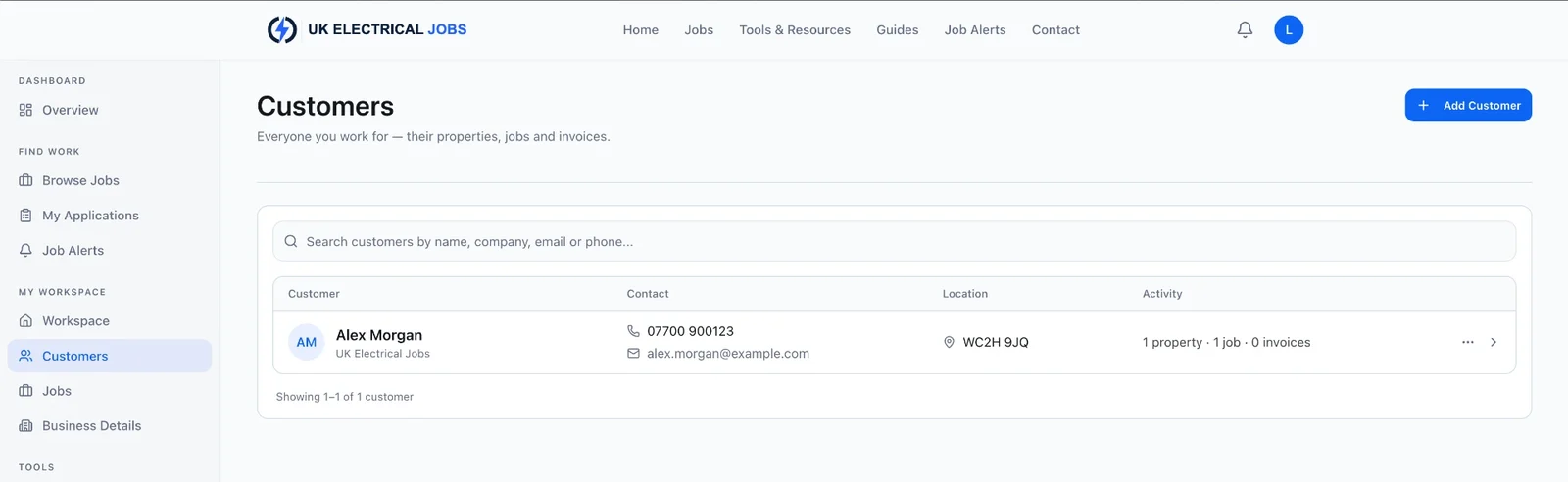
Manage customers, properties, projects and invoices in one place.
Free with an eligible account. Sign in and you'll go straight to your Workspace. Quoting coming soon.
Projects
Electrical projects, kept on track.
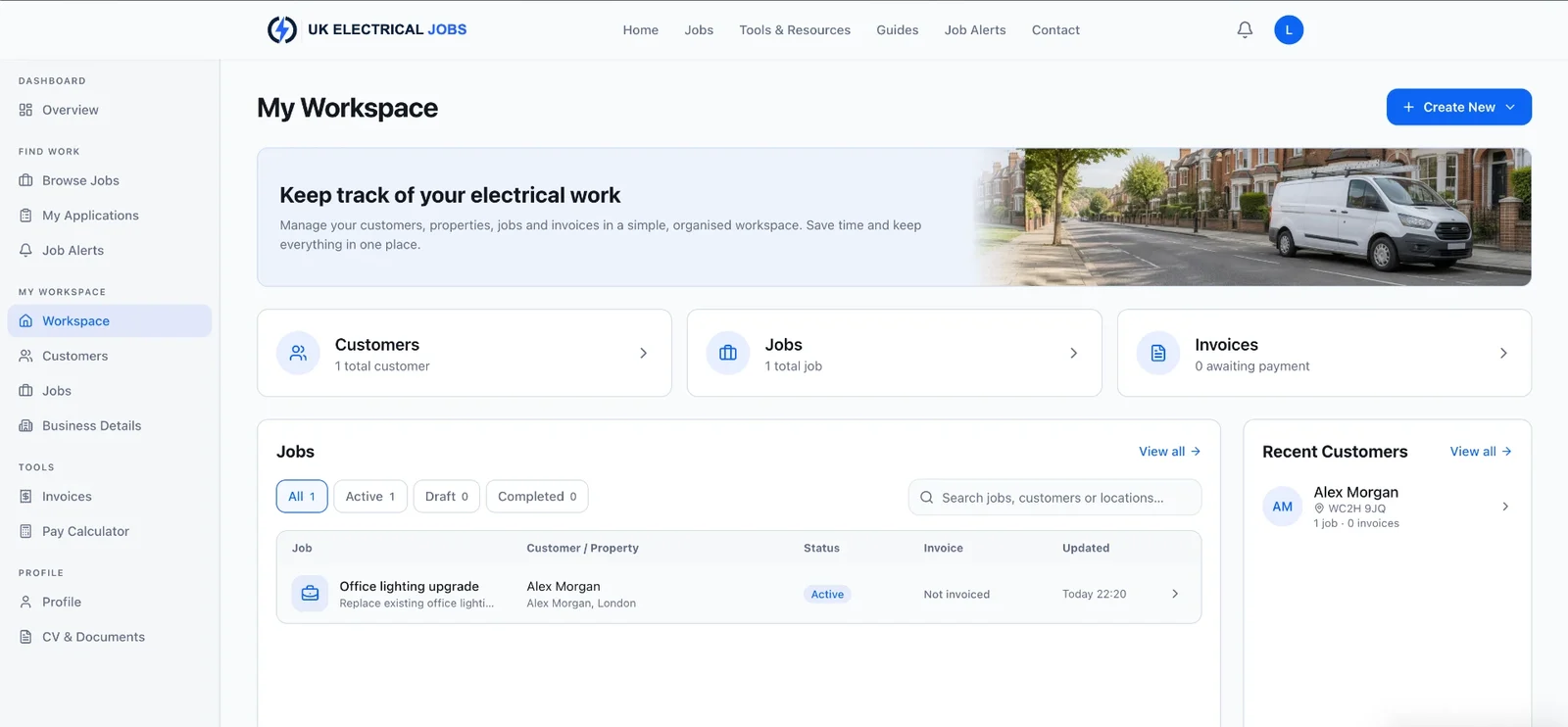
Every project belongs to one of your customers and can be assigned to one of their properties, so you always know who the work is for and where it is.
Move each project through Draft, Active, Completed or Cancelled, filter the list by status or customer, and search by project, customer, address or postcode. You can add photos to a project and see whether it has been invoiced.
Customers
Your customers. Their properties. One place.
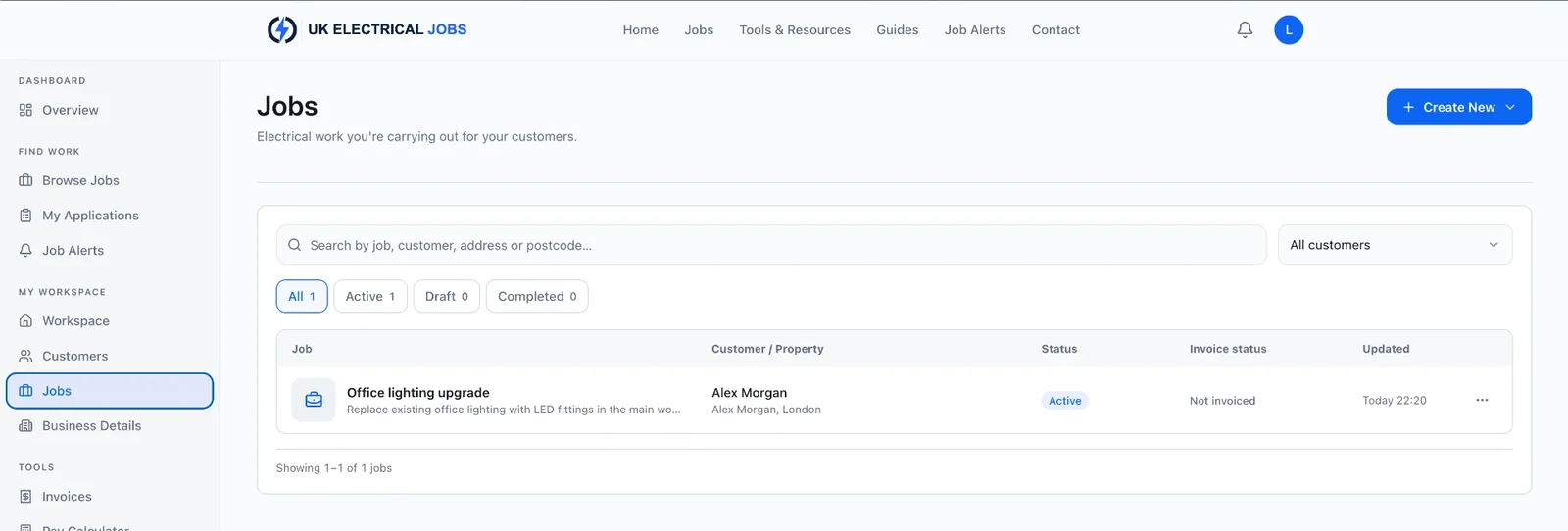
Save each customer's name, company, phone, email and address, and keep notes against their record.
Add the properties and sites you work at for them, then open a customer to see their properties, projects and invoices together.
Quoting
Coming soonElectrical quoting, next.
Quoting is planned for Workspace. It is not available yet, so for now you can record the work as a project and invoice it when you are ready.
Quote
- Quote number
- Q-1001
- Valid for
- 30 days
| Description | Qty | Total |
|---|---|---|
| Kitchen rewire (labour) | 1 | £650.00 |
| Additional sockets | 4 | £260.00 |
| Materials (estimate) | 1 | £320.00 |
| Total | £1,230.00 | |
Invoicing
Invoicing connected to the work.
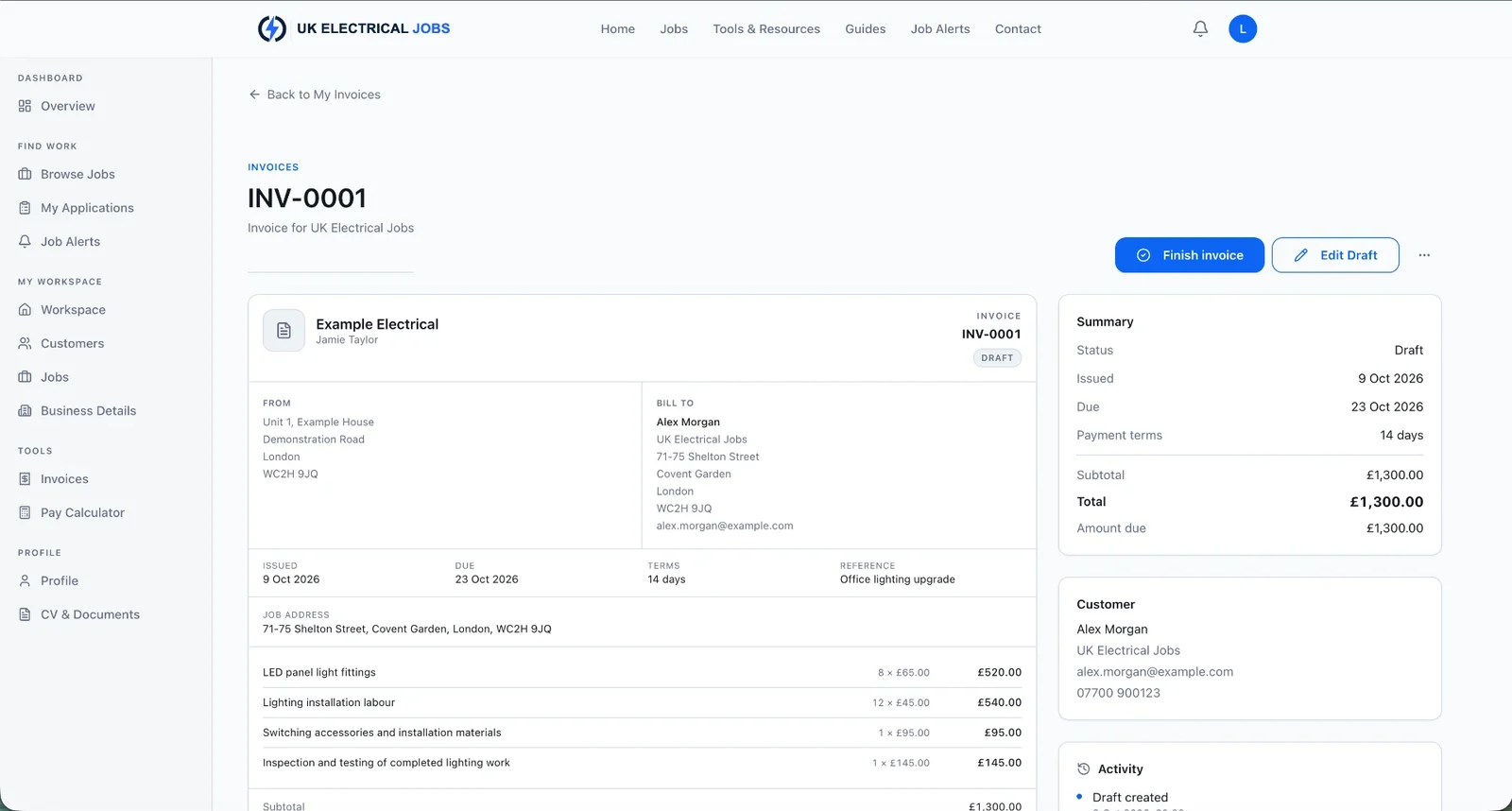
Save your business details once and they appear on every invoice. Add itemised lines with quantities and prices, and the totals are worked out for you.
Start an invoice from a project and it stays linked to that project and its customer. Invoices created separately are not linked automatically. Invoicing needs to be available on your account.
Explore the invoice builderMore free tools are in Tools & resources.